

Organization and team
Invite teammates, set your brand names, and manage your organization.
Open Settings, then Organization & Team.
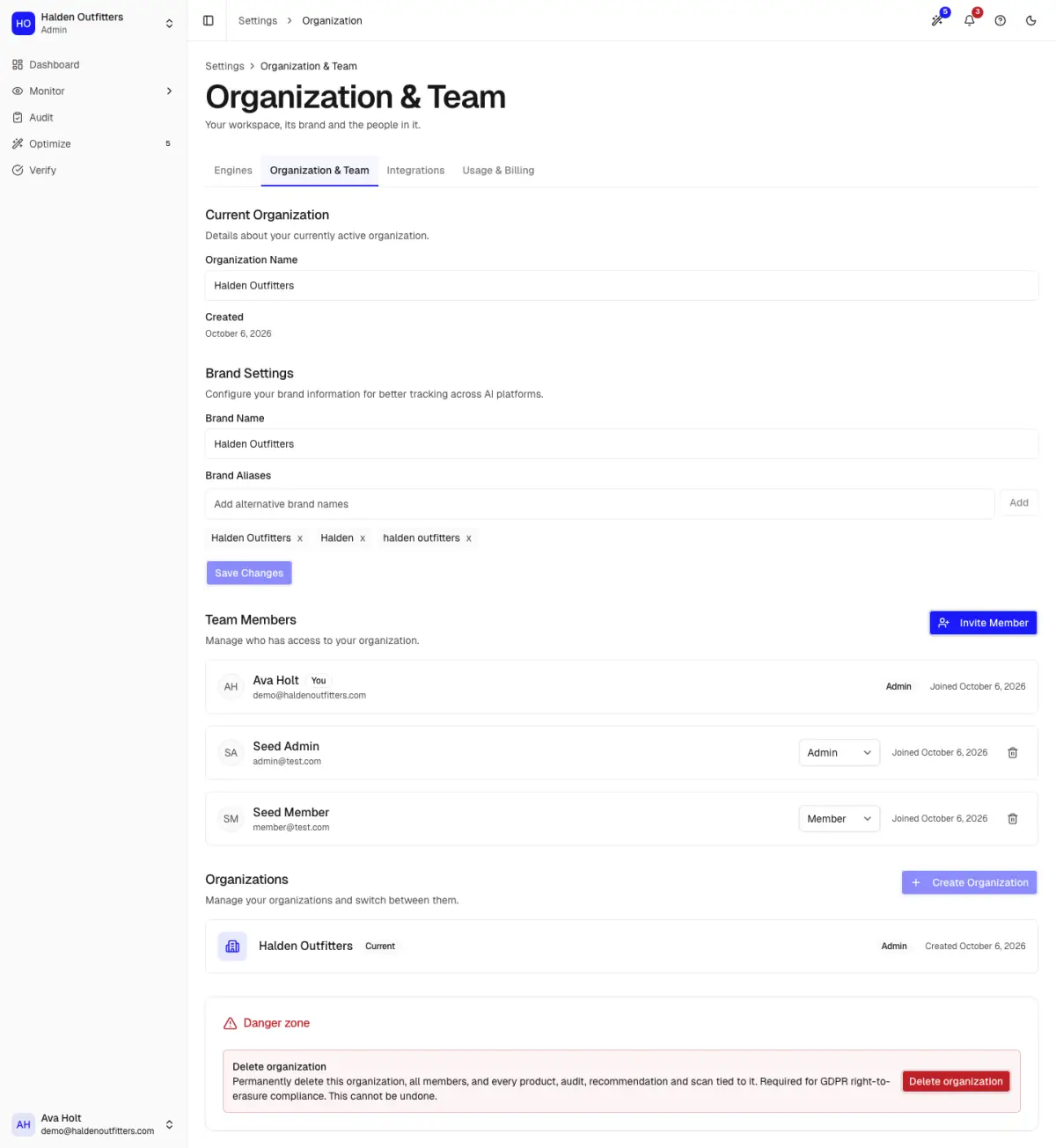
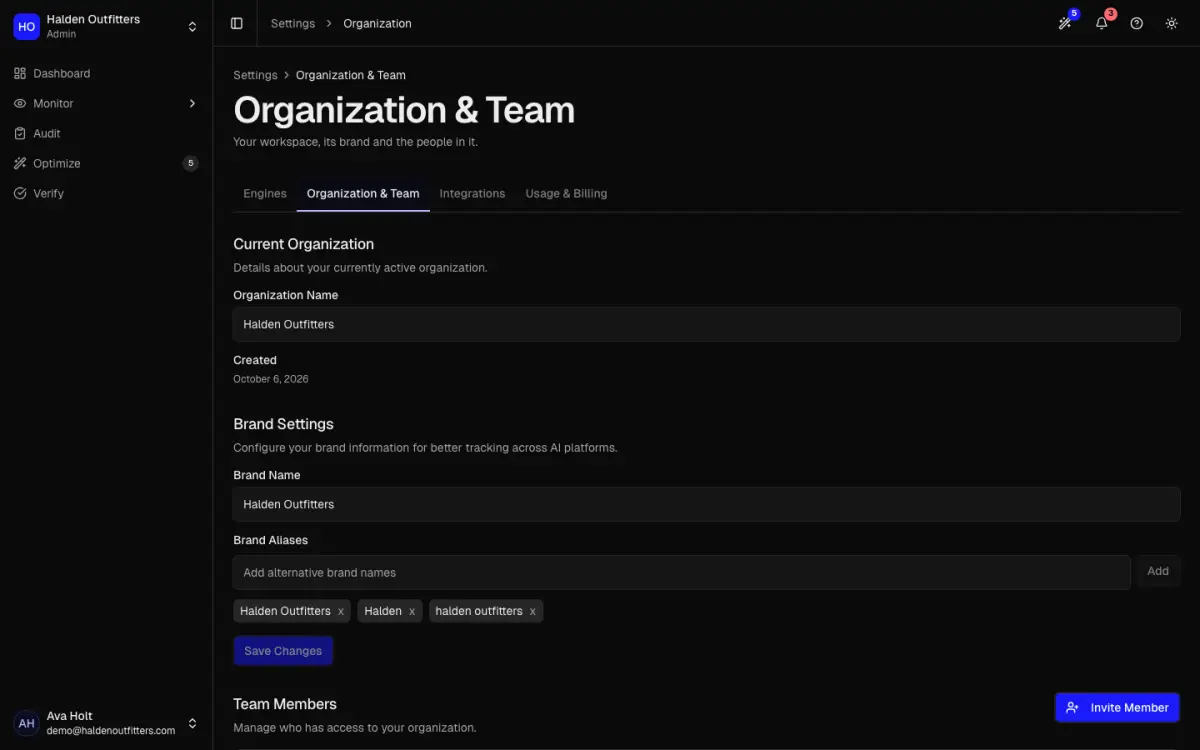
Brand names
Add every name AI might use for your store, such as a short form or an old name, as an alias. AEOsome then recognises those mentions as yours.
Invite a teammate
Click Invite Member, enter their email, pick Member or Admin, then Send Invitation. You can also Copy invitation link and send it yourself. Admins can change settings and billing.
Delete your organization
At the bottom of the page. You must type DELETE MY ORGANIZATION to confirm. This cannot be undone.
To clear tracked data but keep your store connection, team and billing, use Delete all product data under Integrations instead.