

Connect your store
Connect Shopify or WooCommerce so AEOsome can read your catalog.
Connecting your store lets AEOsome read your products, so you can pick which ones to track and keep them in sync. You connect it during setup, or later in Settings, Integrations. Shopify and WooCommerce are supported today.
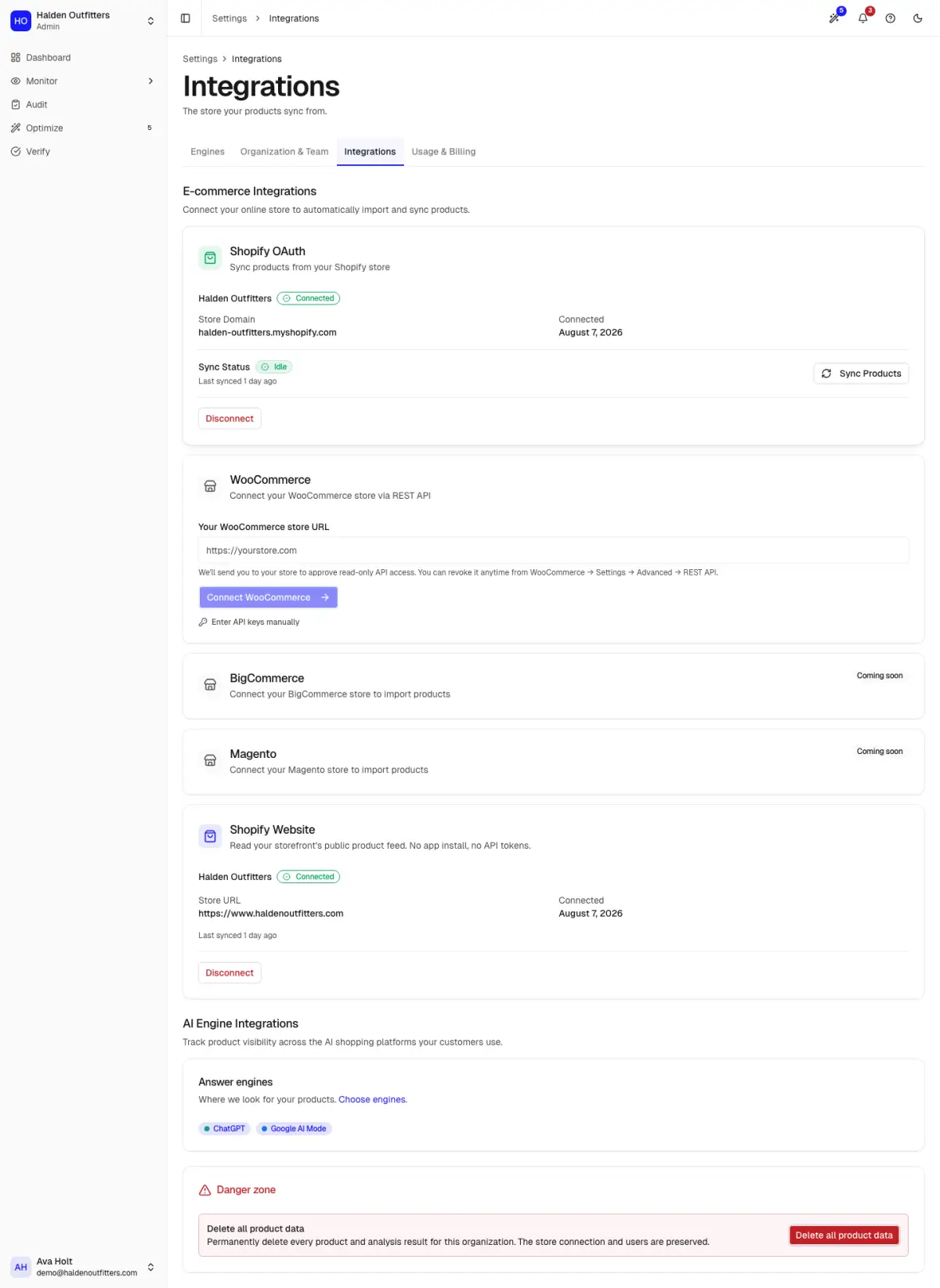
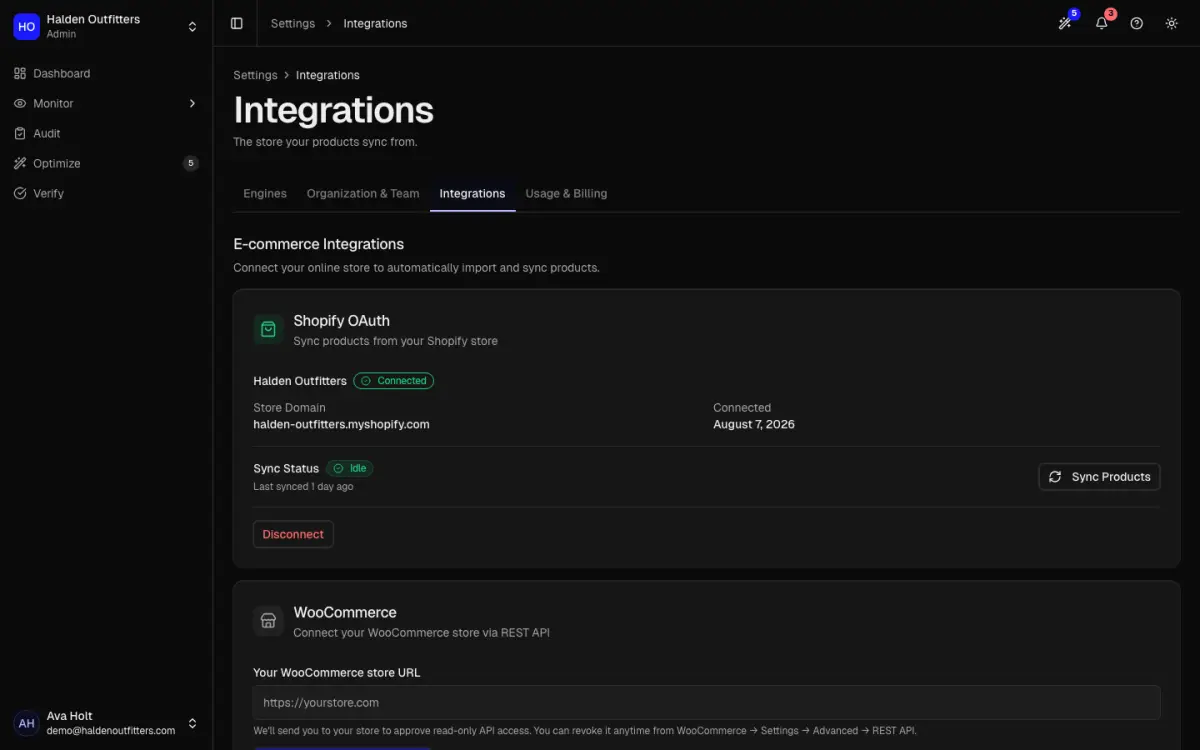
Shopify
Enter your store handle (the your-store part of your-store.myshopify.com) and click Connect
Shopify. Shopify asks you to approve access, then sends you back. The card then shows "Connected to"
your store.
WooCommerce
Enter your store URL and click Connect WooCommerce, then approve read-only access in WordPress. No plugin is needed, but your store must use pretty permalinks and be reachable over https. If the approval screen does not work for you, choose Enter API keys manually and paste a consumer key and secret instead.
You can revoke access any time in WooCommerce, under Settings, Advanced, REST API.
After connecting
- Products sync automatically: weekly on paid plans, monthly on Free. Change this in Settings, Schedules.
- Sync Products pulls in catalog changes now.
- Disconnect removes the connection, after asking you to confirm.