

Add products
Choose which products to track, from your catalog or by URL.
Your plan sets how many products you can track. Only tracked products count, not every product imported from your store. When you reach the limit, uncheck a product to swap it for another. Track your best sellers first: they are the products shoppers are most likely to ask AI about.
From your catalog
On Products, click Track more products and choose from your connected store's catalog.
By URL
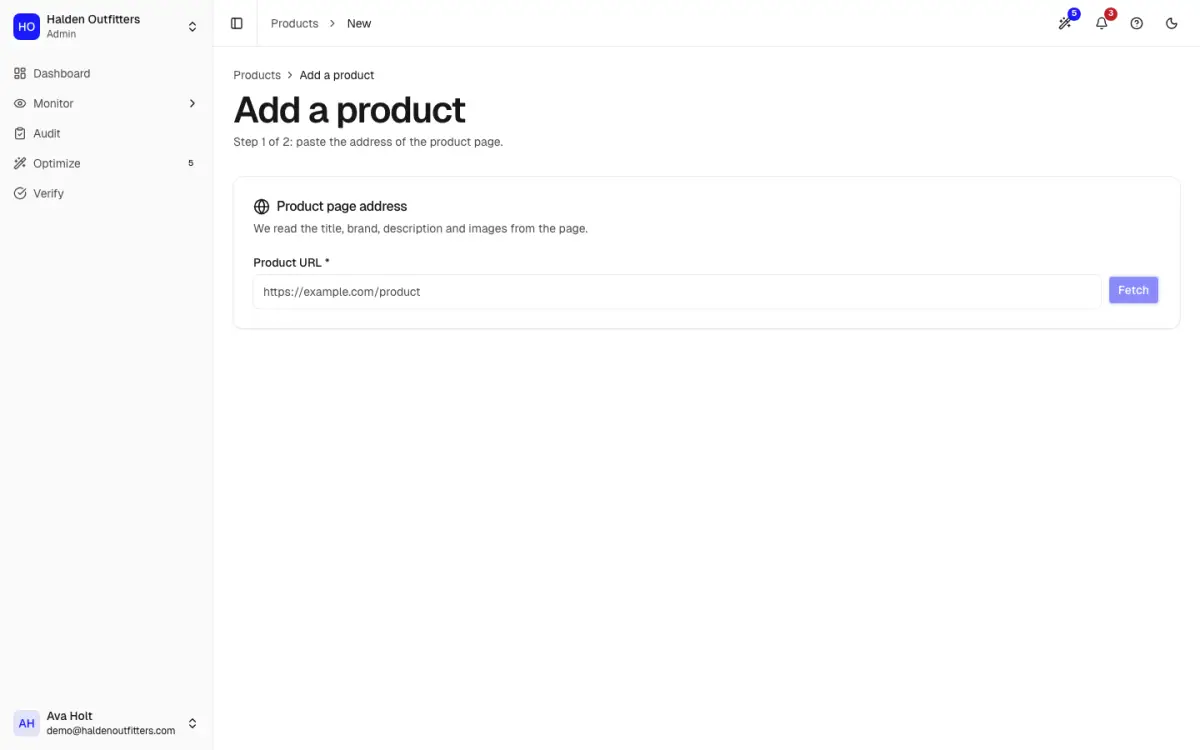
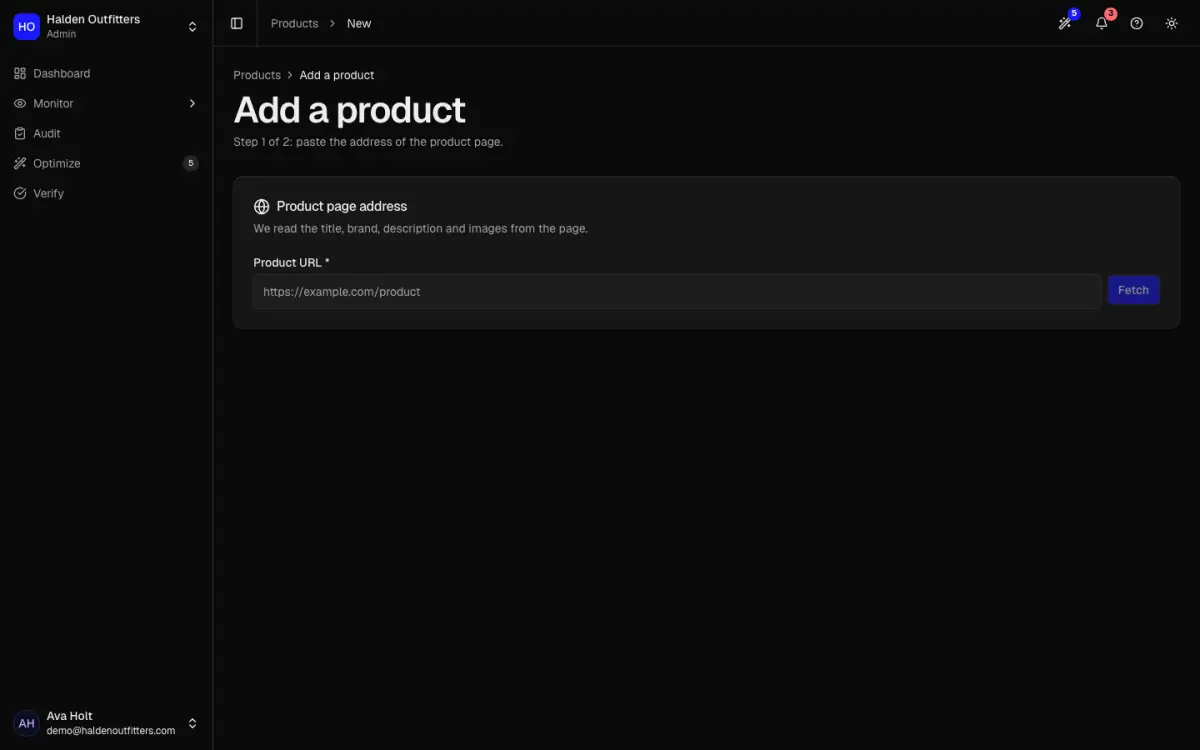
Go to Products, then Add a product. Paste the product page URL and click Fetch. AEOsome reads the page; in step 2 check the title, brand and description, then click Add product.
Stop tracking a product
Open the product, go to its Settings tab and click Delete product. This frees a slot on your plan, and also removes the product's history, findings and citations, so it cannot be undone.