

Set up your workspace
The four setup steps, and what happens once they are done.
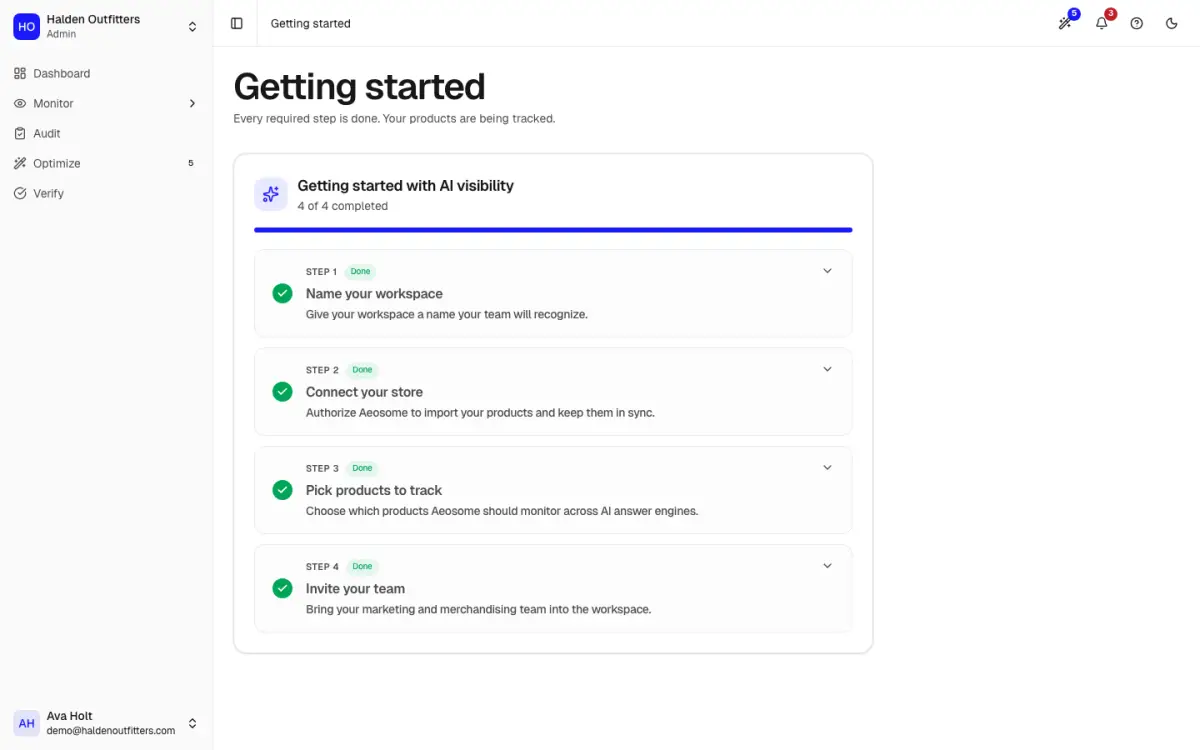
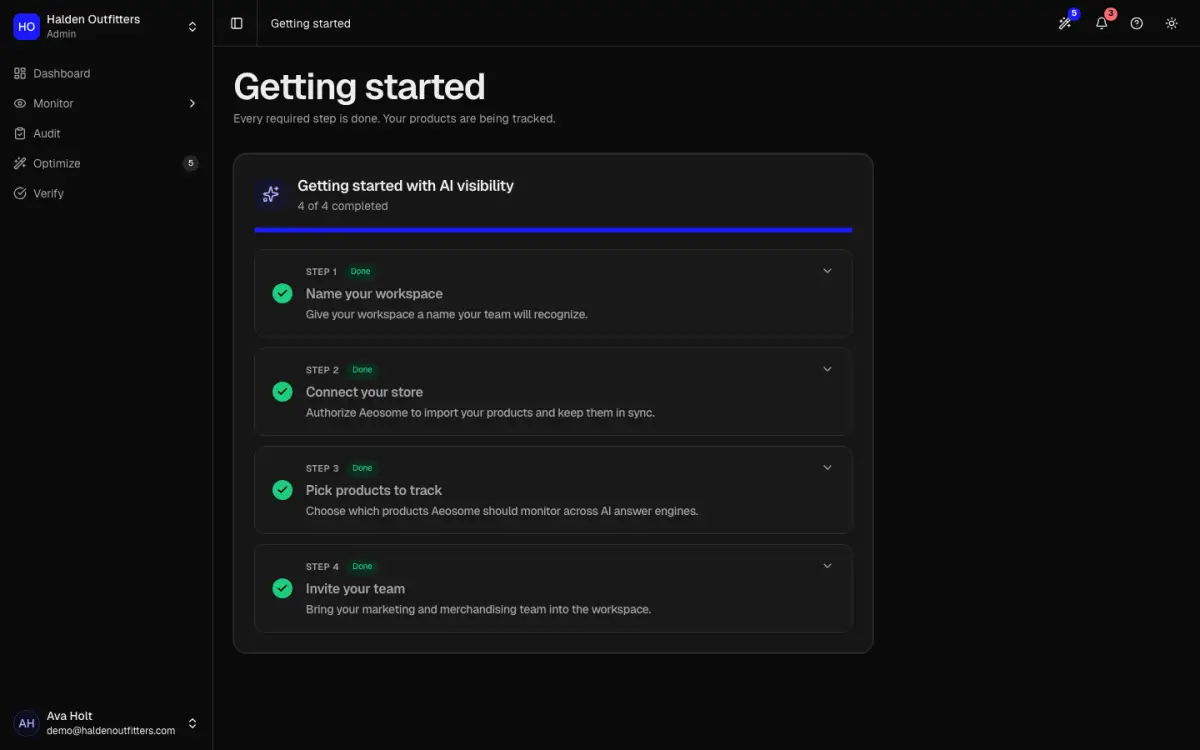
Open Getting started in the app. It lists four steps and ticks each one off as you finish it. The rest of the app unlocks once the three required steps are done.
- Name your workspace. Use your store or brand name.
- Connect your store. Shopify or WooCommerce. See Connect your store.
- Pick products to track. Choose the products you want AI answers checked for. See Add products.
- Invite your team. Optional; click Skip for now to do it later. See Team and organization.
When the required steps are done, your first scan starts. AEOsome asks AI engines the questions shoppers ask about each product. The first scan usually takes 20 to 30 minutes, and the results then appear on the Overview. A short tour of the dashboard starts on your first visit; replay it any time with Take a tour in the top bar.
How often are products checked?
Every week on paid plans and every month on Free. Each check uses AI checks from your monthly allowance, which resets on the 1st of the month. See Usage and billing.