

Fixes
Work through the changes that make AI more likely to name your products.
Open Optimize in the sidebar. The badge shows how many fixes are waiting, and new fixes appear after each scheduled check.
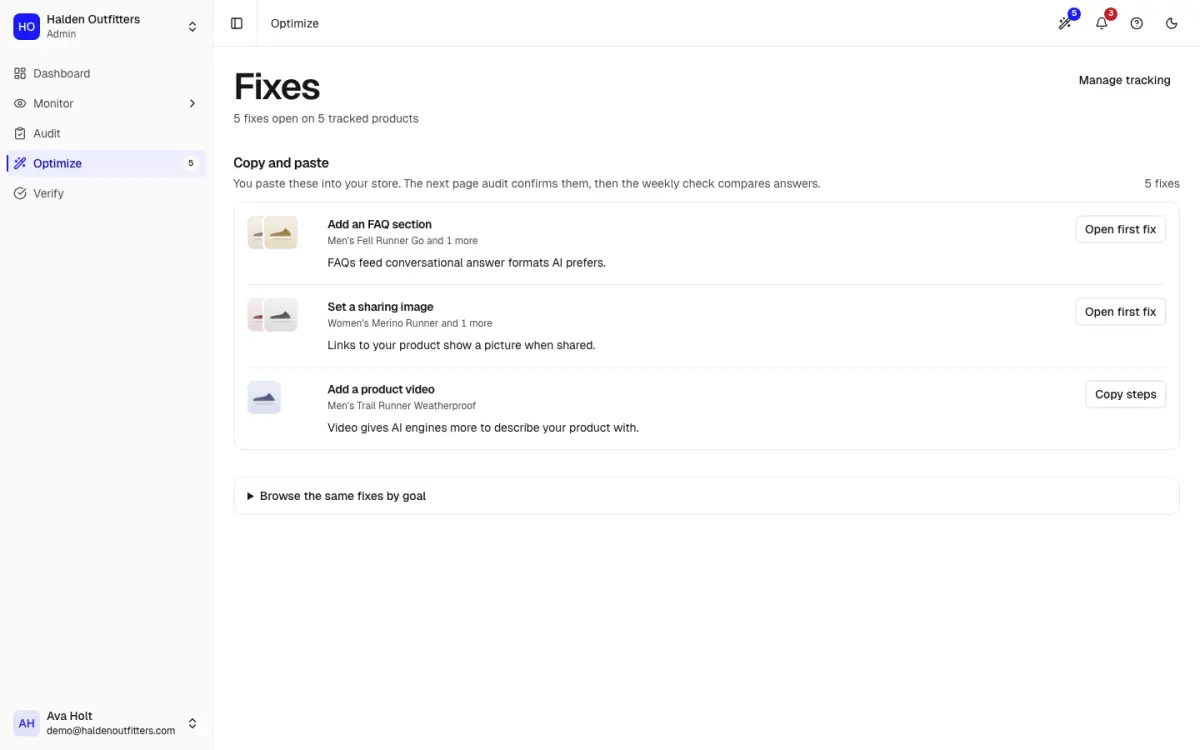
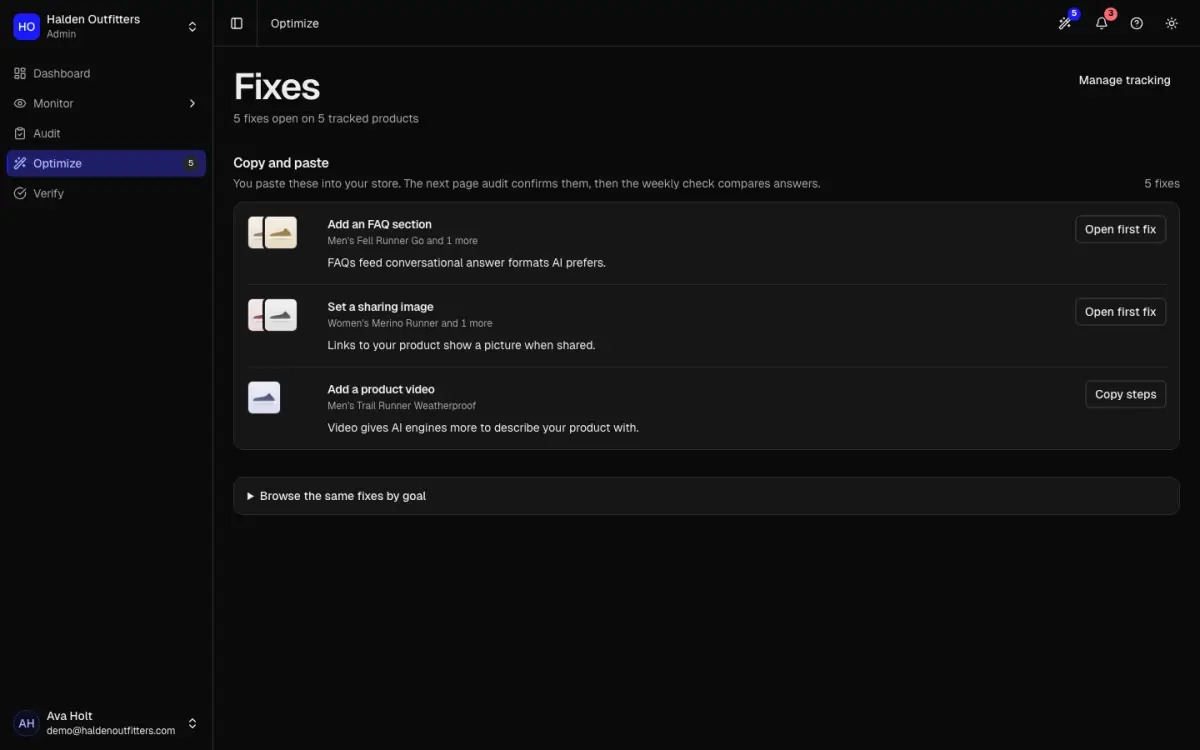
Each fix says what to change, on which product, and roughly how long it takes. Fixes that apply to several products are grouped; Open first fix takes you to the first one. View details shows the steps.
Work a fix
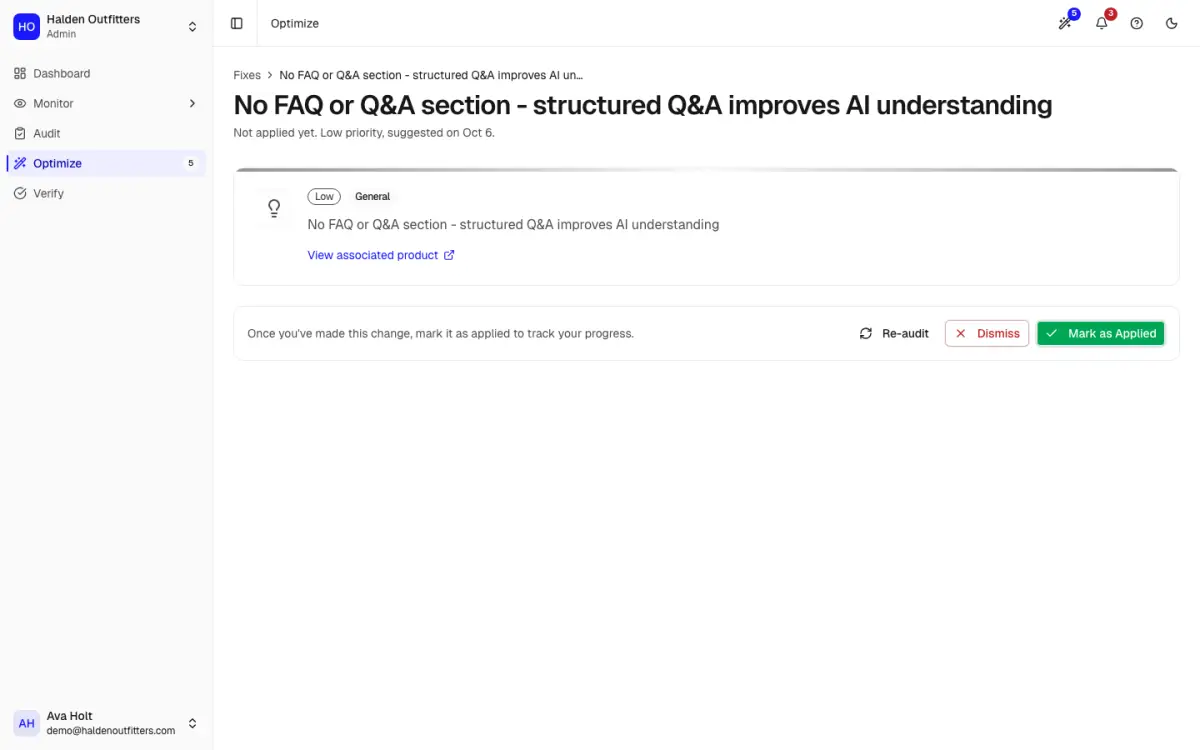
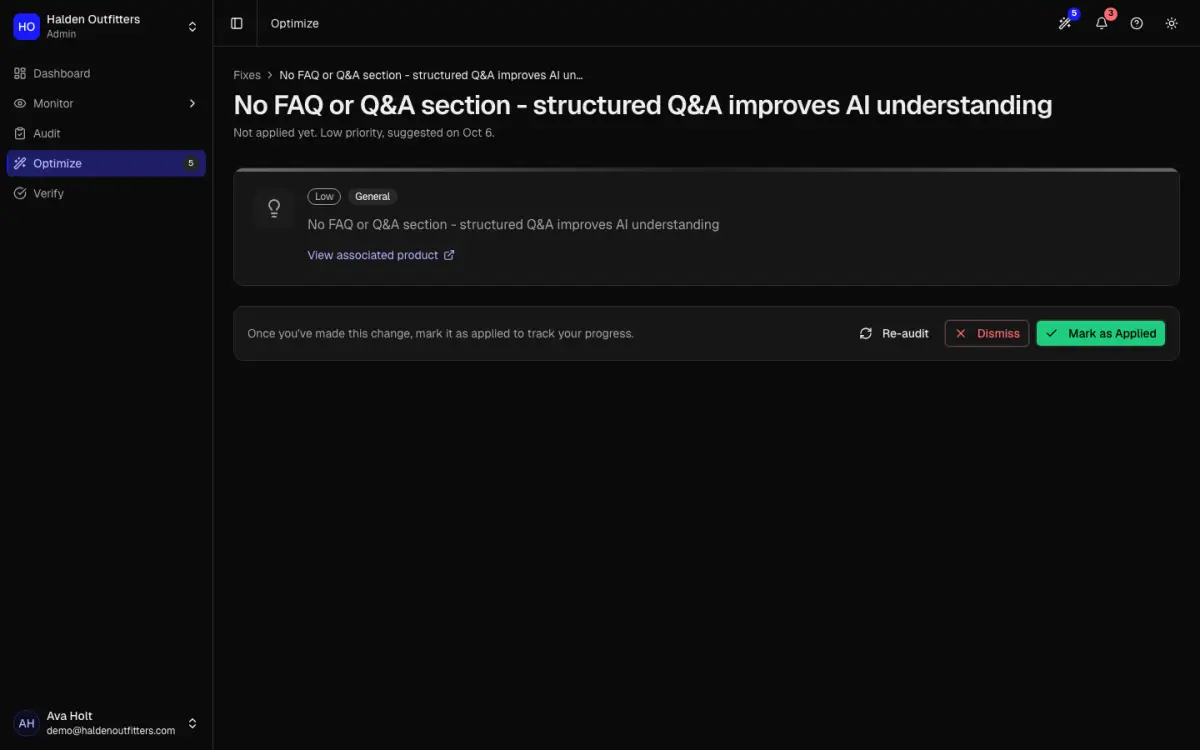
- Make the change on your product page.
- Click Mark as Applied.
- AEOsome re-checks the product about 7 days later and reports the result on Proof.
If a fix does not apply to you, click Dismiss. It moves to the Dismissed list rather than being deleted.
Fixes for one product
Each product has its own fix list, with the fixes you applied, their time estimates, and Mark Verified once you have confirmed the change is live.
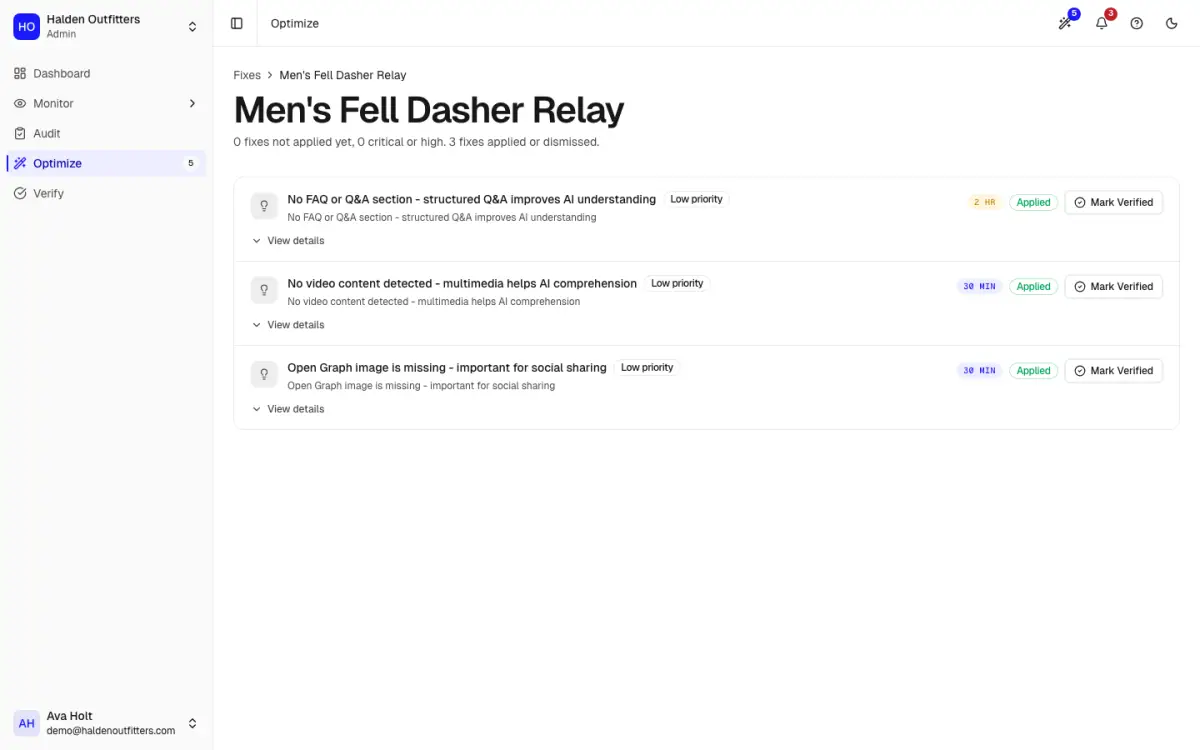
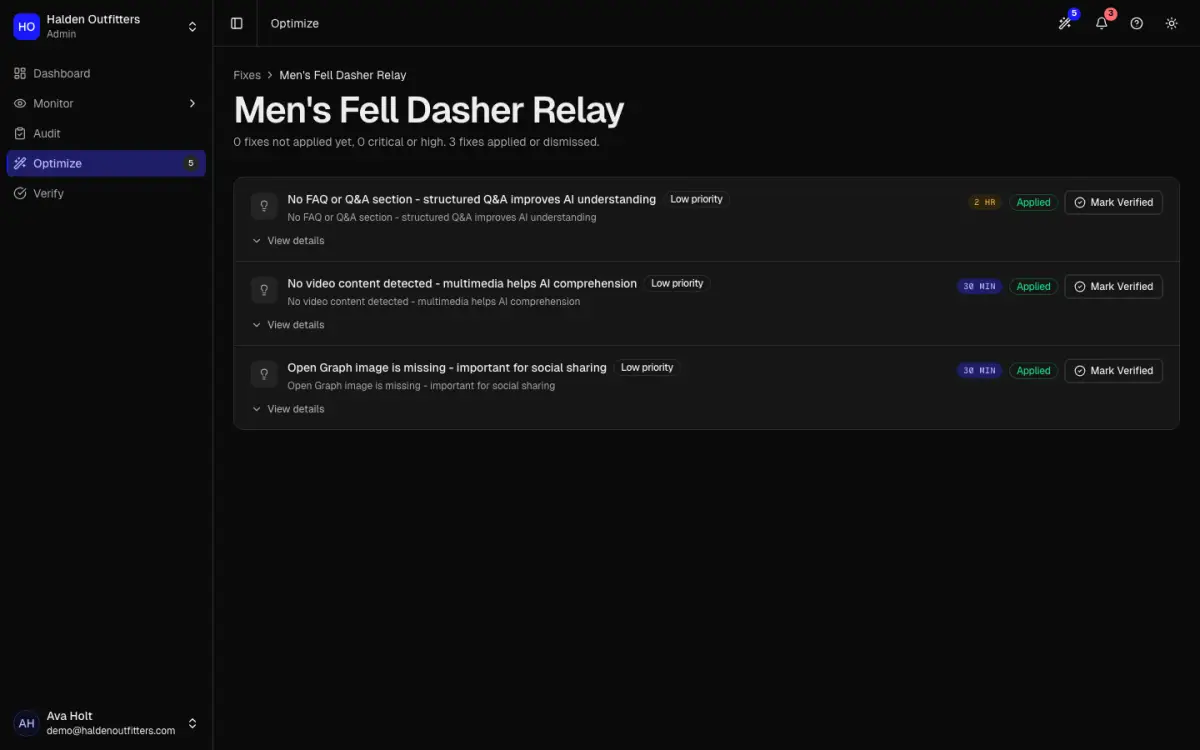
Fix statuses
| Status | Meaning |
|---|---|
| Not started | Suggested, nothing done yet |
| Applied | You marked it applied |
| Re-check pending | Waiting for the follow-up check |
| Verified | The follow-up check has run |
| Dismissed | Hidden from your list |